Service Status Light Is On
Common Issues & Solutions When Discovering a Yellow Service Light
In normal conditions, the service light will be OFF. A yellow service light could mean there is a conductivity problem. Watch the video to see what the yellow service light looks like.
Common Issues & Solutions When Discovering a Yellow Service Light
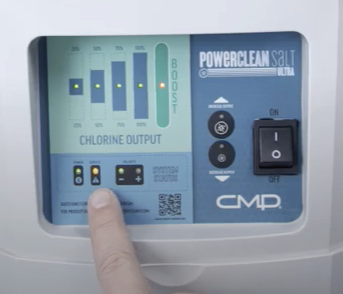
If the yellow service light is on, check out the possibilities below to determine the error and find a solution.
Water Temperature
Dirty or Damaged Cell
Circuit Board
Low Salt Level

There may be low levels of salt in the pool water.
- Test the salt level.
- Power on the pump to circulate the pool water.
- Use the salt addition chart to to determine the pounds of salt per gallon. Ideal operational salt range = 4,000-4,500 ppm.
- If the salt level is low (less than 3,000 ppm), increase the salt level, by slowly pouring in the salt around the outer perimeter of the pool for quick and even distribution.
- Brush the bottom of the pool to distribute salt evenly and allow water to circulate for 24 hours before testing salt levels again.
- Power on the Powerclean Salt system.
If the service light is no longer on, it is likely this solution worked.
Did this solve the problem?
No, please show other solutions
Water Temperature
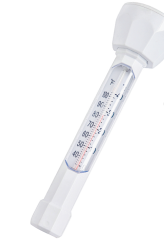
The pool water may be too cold for the Powerclean Salt to operate correctly.
- Check the pool water temperature.
- If below 60° F, the Powerclean Salt will reduce its rate of production.
- If possible, increase the water temperature.
- If the water temperature drops more, the cell will stop producing due to the water not being conductive enough for the electrolytic process to take place and should be turned off and pool drained and winterized.
If the service light is no longer on, it is likely this solution worked.
Did this solve the problem?
No, please show other solutions
Dirty or Damaged Cell
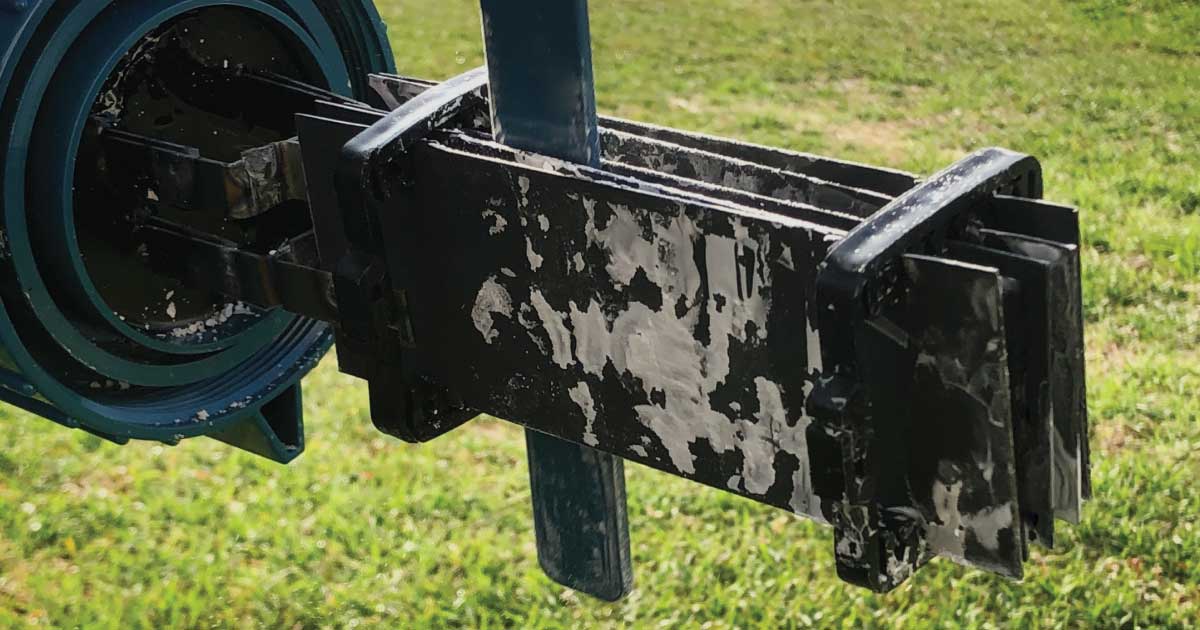
Check to see if the cell is clogged or dirty.
- Turn off the pump prior to cleaning the cell.
- Turn the cell cap counter clock-wise to remove.
- Pull the cell out of the housing, but be careful not to loose or damage the o-ring.
- Use the Powerclean Salt stick cleaning tool to remove any calcium build-up between the blades. NEVER use a metal tool.
- If the coating has started to wear off or you see any damaged areas, you will need to replace the cell.
- If the epoxy is coming off or the inside of the cap is damaged, deteriorated or looks like it melted, you will need to replace the cell.
- Replace cell into housing.
- Hand tighten cap and re-start the pump.
Dirty or Damaged Cell
If the service light is no longer on, it is likely this solution worked.
Did this solve the problem?
No, please show other solutions
Bad Circuit Board
The circuit board on the inside of the unit could be bad.
Switch the polarity on the control unit, by pressing and holding the increase output button. If the light stops blinking with one polarity, the circuit board is bad and will need to be replaced.
Bad Circuit Board
If the service light is no longer on, it is likely this solution worked.
Did this solve your problem?
No, please show other solutions

Congratulations!
You have completed this chapter. To go to the next chapter, click next. To go back to the Chapter Table of Contents, click done.